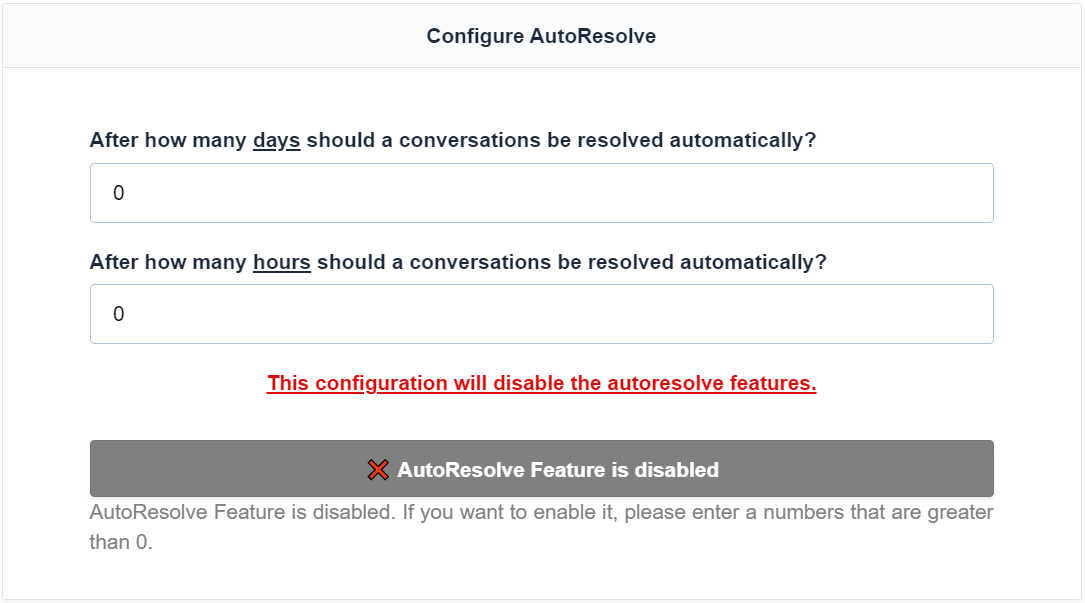
Configuration
In this section, we will explain how to configure the Autoresolve plugin and what the different options mean. If your question is not answered here, please contact us via email.
Which conversations are converted?
By default, Autoresolve will automatically convert unresolved conversations to resolved conversations after the configured number of days and hours.
How do I configure the plugin to automatically convert unresolved conversations?
To automatically convert unresolved conversations, set the number of days and hours after which this should occur.
Are pending conversations converted?
Pending conversations are not automatically converted.
How is the time calculated?
The time is calculated from the last message in the conversation.
Example Configuration
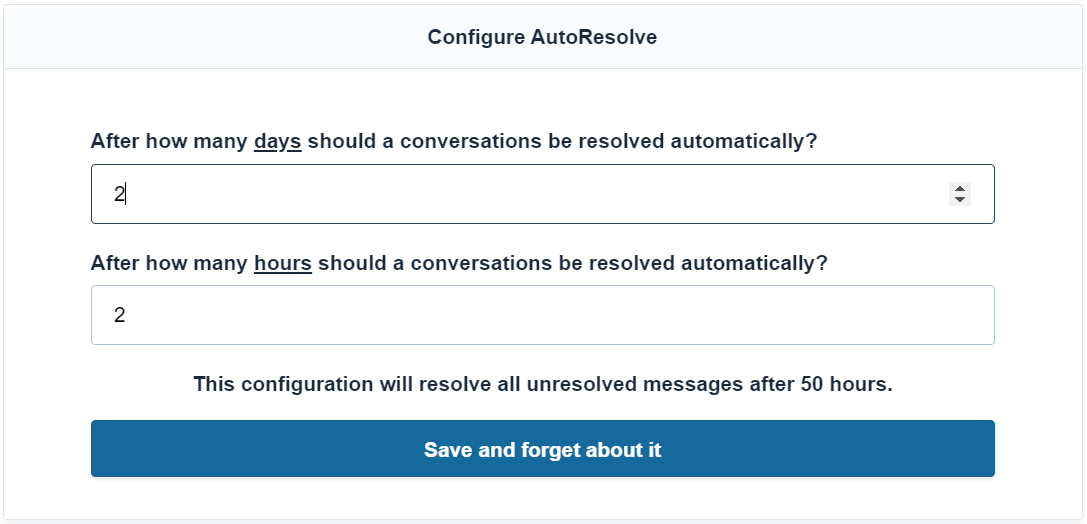
In the image below, we configured that unresolved conversations will be automatically converted to resolved conversations after 50 hours.
Disabling Automation
If you set both days and hours to 0, the automation of the plugin will be disabled and unresolved conversations will not be automatically converted.
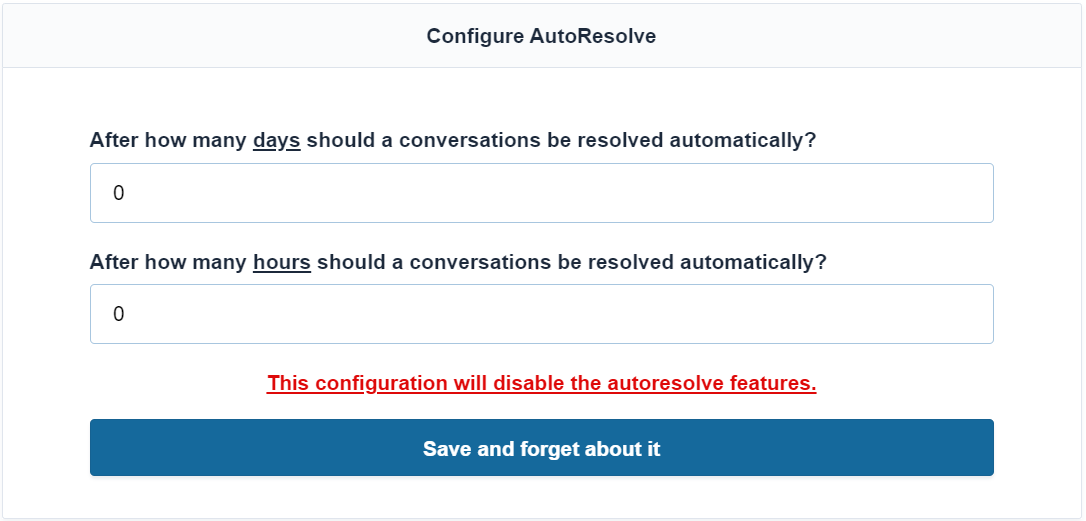
After saving the configuration with both days and hours set to 0, you will see the following message: